
SEO Hub | Keyword Tasks, Search Console SEO Reports, and Marketplace Workflows

SEO Optimization Service

Choose The Next SEO Task

Turn one keyword and one page into a clear next task. Start free with 3 keywords, no card needed.

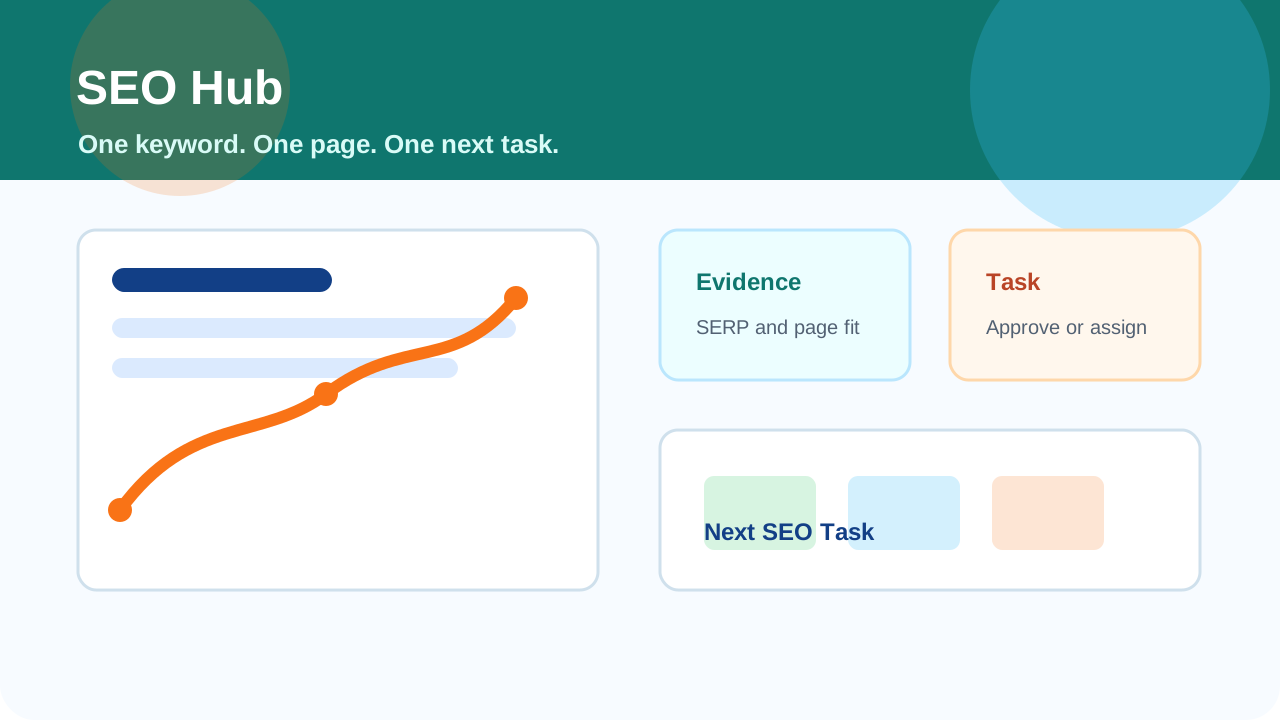
SEO Hub keyword workspace dashboard showing top search results, competitor evidence, page optimization tasks, Search Console signals, and ranking progress charts.

Why SEO work gets stuck
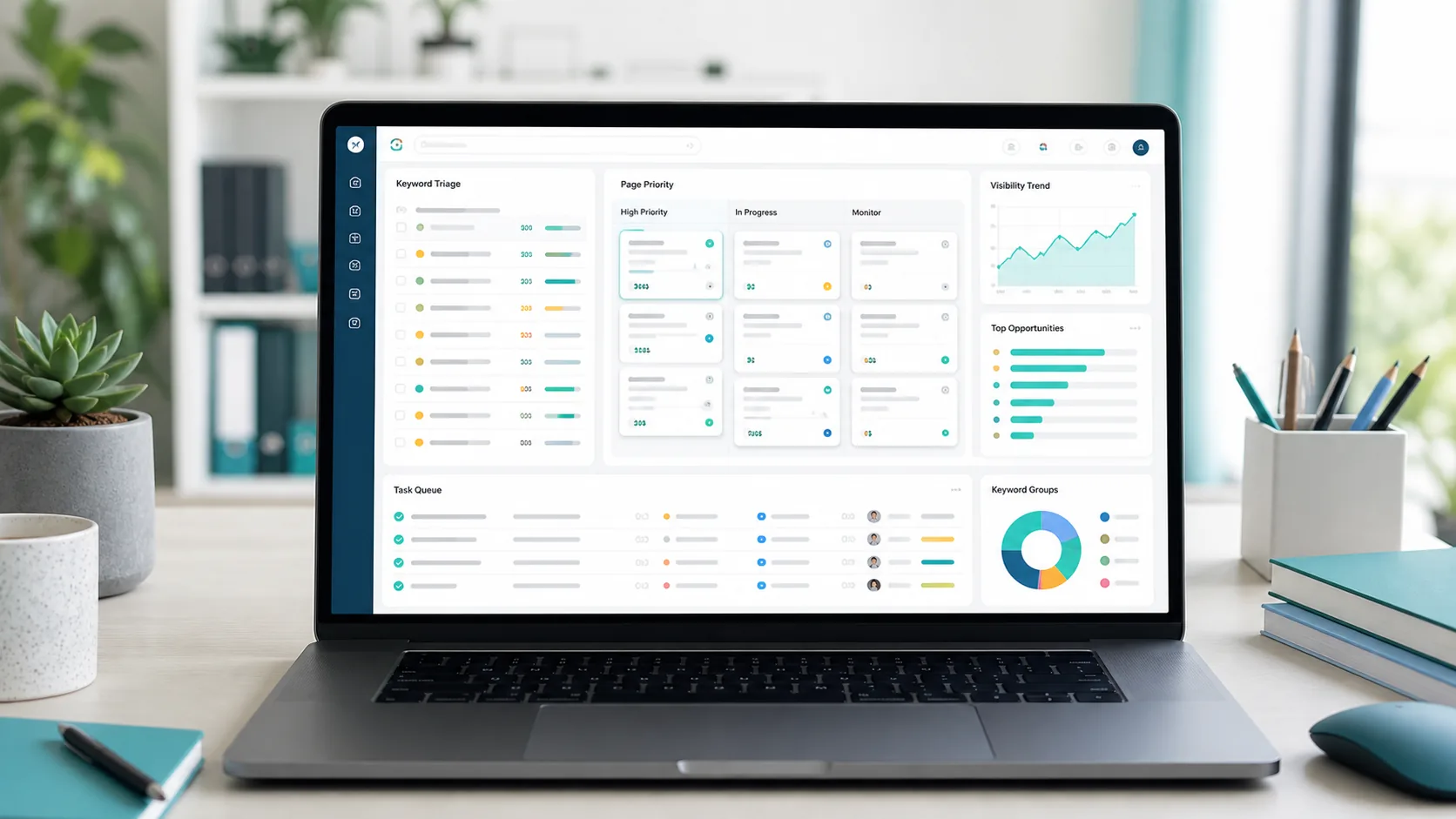
SEO Hub keyword triage dashboard showing search query cards, page priority lanes, visibility trend panels, and a task queue.

SEO Hub turns broad advice into a short queue of work with evidence, ownership, and a clear finish line.

Keyword lists without ownership Every active keyword is tied to one target page, one report, and one next implementation pass.
Reports that never become edits Title, meta, content, proof, local, and conversion recommendations become practical SEO Queue tasks.
No proof before investing effort Competitor pages, SERP signals, ad evidence, and page checks explain why the work matters.
Clients unsure who should do the work Tasks can stay internal, go to the site owner, or be opened for provider bids when execution help is needed.

Built around the work sequence

Modern SEO Hub workspace showing search performance charts, optimization checklists, competitor evidence, and a keyword task timeline on laptop and tablet screens.
Find demand Add the searches your customers use, or let the keyword finder suggest service, location, and question ideas to test.
Attach a page Choose the page on your site that should rank, so every recommendation has a destination.
Inspect evidence Compare the first page, ad activity, page fit, proof gaps, and conversion clarity before committing.
Move to action Do the fixes yourself, re-check the page, or request quotes from SEO providers when you want help.

What SEO Hub gives clients

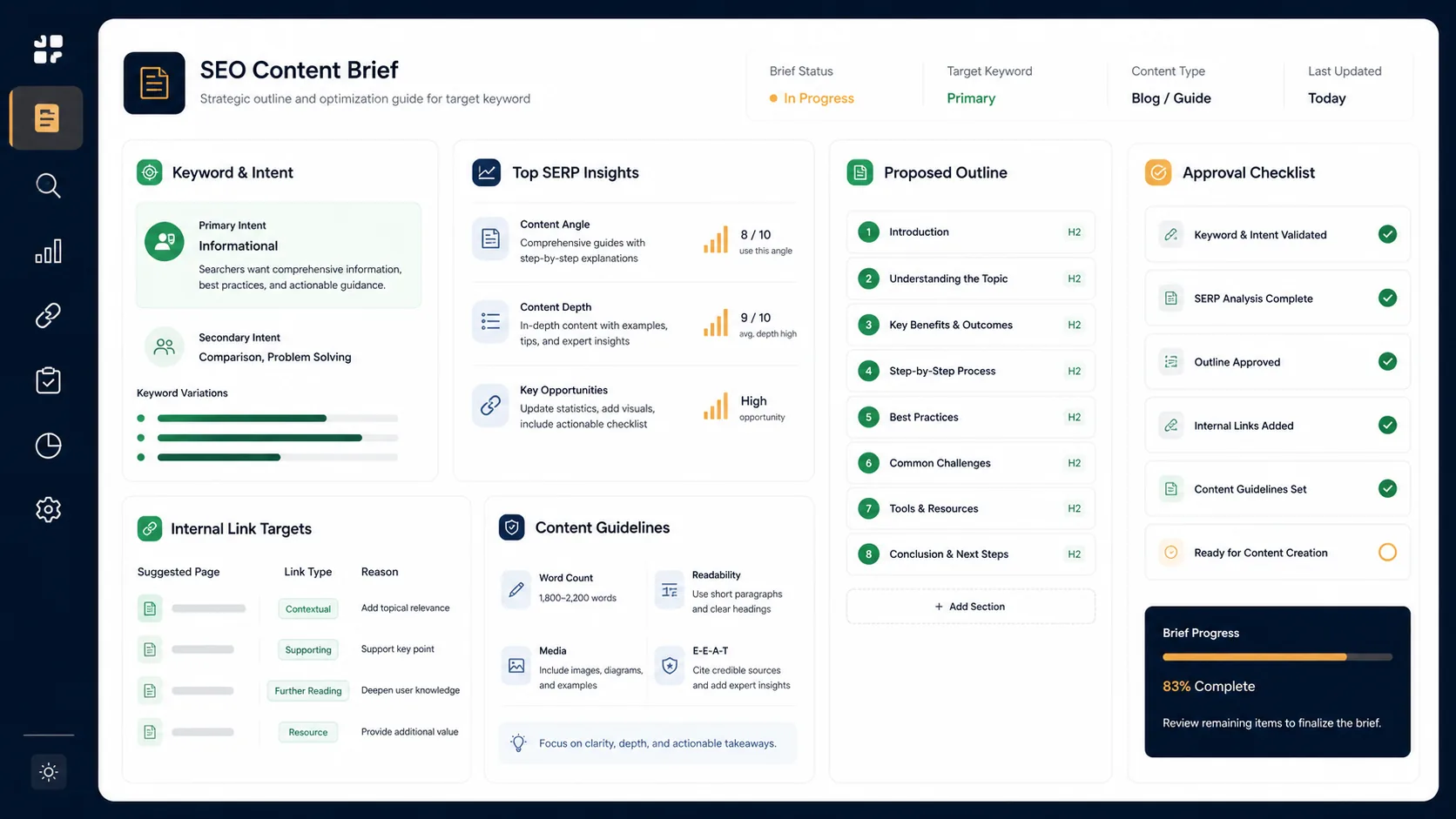
SEO Hub content brief workspace showing keyword intent, SERP insights, proposed outline, internal link targets, and approval checklist.

SEO Hub shows what matters, what should happen next, and who should do the work.

Client-facing keyword reports Give clients a report page that explains the keyword, target URL, evidence, status, and next task without exposing the whole admin workspace.
  • 3 free keyword credits, more on a paid plan
  • Recurring report history
  • Downloadable summaries
Evidence before effort Use target-page checks, competitor pages, ad signals, and Search Console data where available to decide whether to compete, watch, repair, or skip.
  • Competitor rows
  • Ad evidence
  • Landing-page fit checks
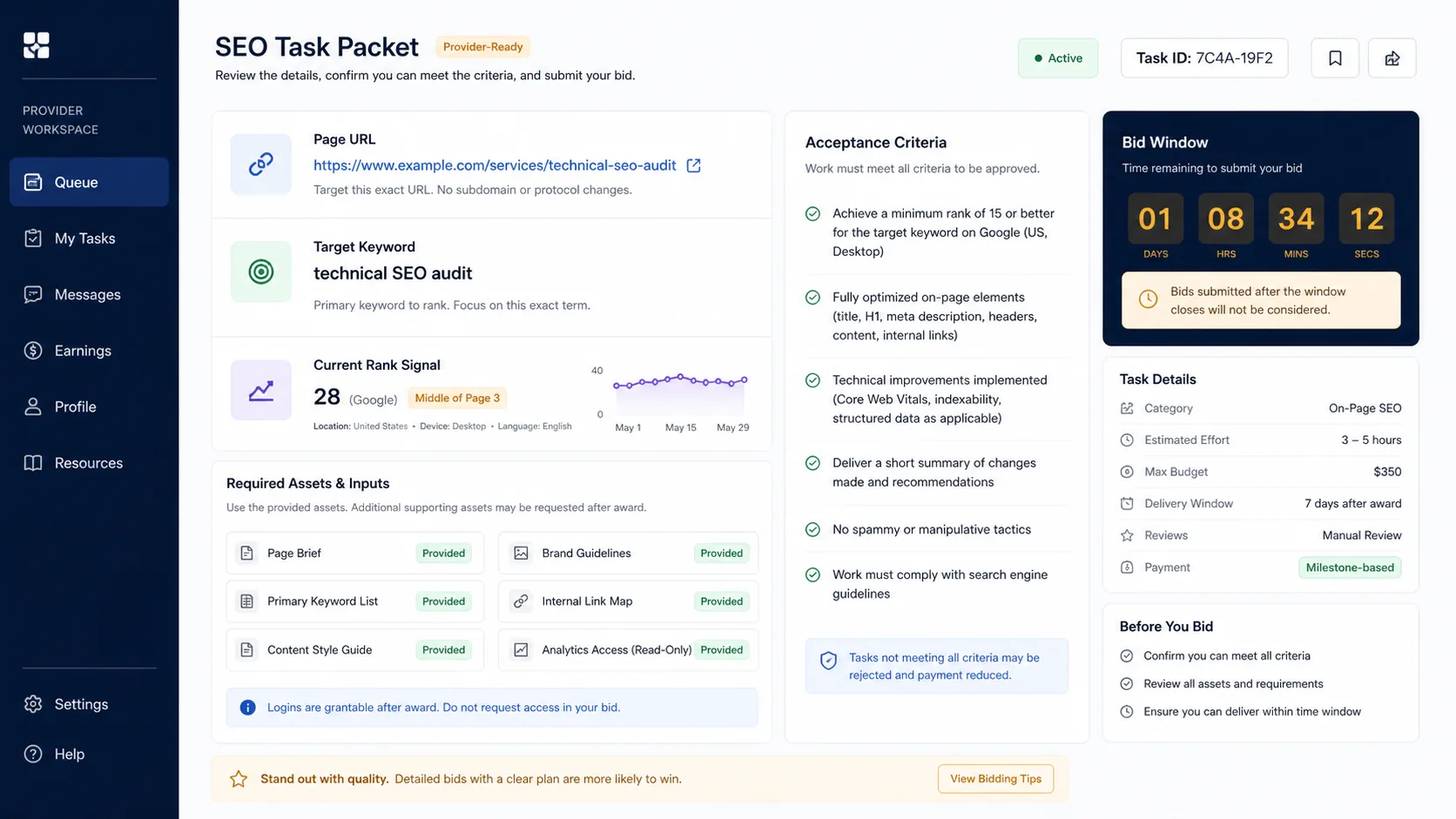
Marketplace-ready scope When the page needs writing, proof, schema, metadata, or local cleanup, SEO Hub can shape the work into a provider-ready task.
  • Required assets
  • Acceptance criteria
  • Priority and source signal
Client service path Agencies and site teams can package SEO Hub reports as recurring optimization work with clear status, ownership, and delivery history.
  • Keyword capacity
  • Client reports
  • Service delivery packets
Path 1

Keyword To Task

One phrase, one page, one report, and one task. That keeps the next move clear for the client and the person doing the work.

  • Selected keyword and target URL
  • Search intent and current position
  • Title, content, link, and conversion actions
Path 2

Evidence Before Effort

SEO Hub checks traction, competition, ads, and page fit before a client spends time or budget on a recommendation.

  • Target-page check
  • Competitor and search-result evidence
  • Landing-page fit checks
Path 3

Request Provider Bids

When you want help doing the work, post a task to the SEO Marketplace and compare quotes. You pay only for the quote you accept, and you approve the work before the provider is paid. Work not reviewed within 48 hours is approved automatically.

  • Target keyword and page
  • Required assets
  • Acceptance criteria
Path 4

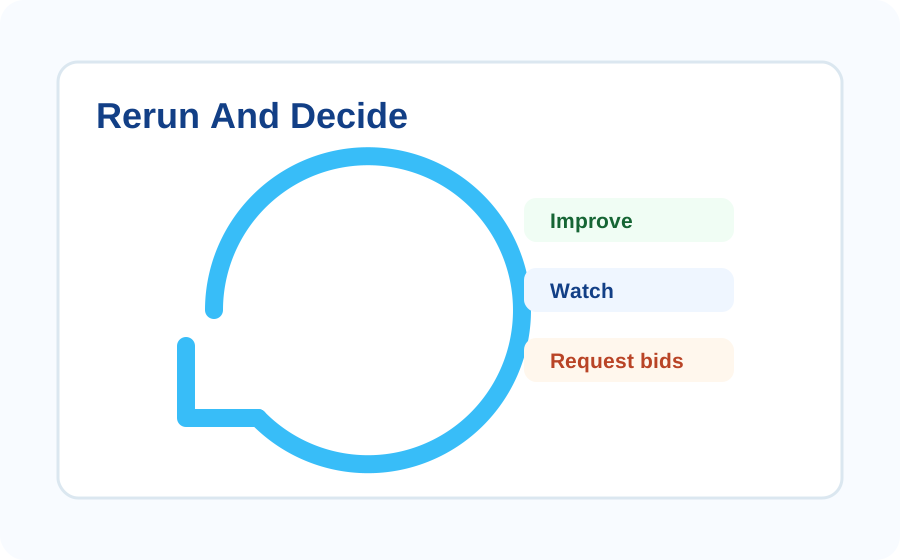
Rerun And Decide

After work is completed, rerun the keyword report to see whether the next move is improve, watch, request bids, or move on.

  • Fresh report history
  • Clear status after each pass
  • A smaller queue of useful work

SEO signals preserved

SEO Hub signal dashboard showing keyword selection, SERP evidence, page optimization, and marketplace handoff modules.
Keyword selection Start from your own service keywords or keyword-finder suggestions, plus Search Console data where TAPNET has it.
Search-result intelligence Compare first-page competitors, titles, descriptions, content fit, and ad evidence before deciding to compete.
Page optimization Turn each report into title, description, content, internal link, and conversion recommendations for the assigned page.
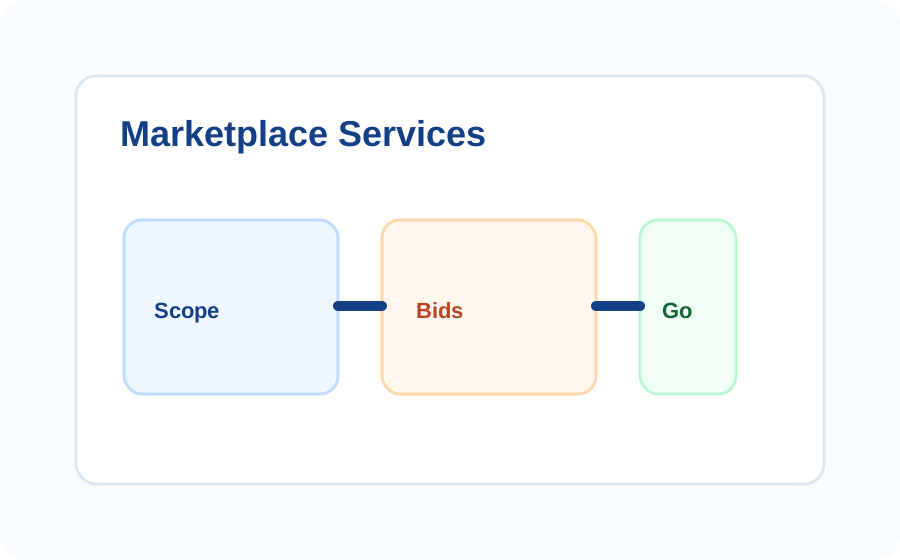
Marketplace services Convert approved recommendations into scoped SEO Queue tasks for service providers, in-house teams, or outside specialists.
Recurring service Rerun weekly or monthly per active keyword credit and keep the workspace focused on measurable improvement.

Launch process

SEO Queue Marketplace task packet showing page URL, target keyword, rank signal, required assets, acceptance criteria, and bid window.
1 Choose keywords Add service, offer, and location keywords yourself, or use the keyword finder for ideas.
2 Assign a page Connect each keyword to the page that should rank, then switch it on. Each active keyword uses one credit.
3 Analyze the evidence Review top results, metadata, ad evidence, content gaps, proof gaps, and landing-page fit.
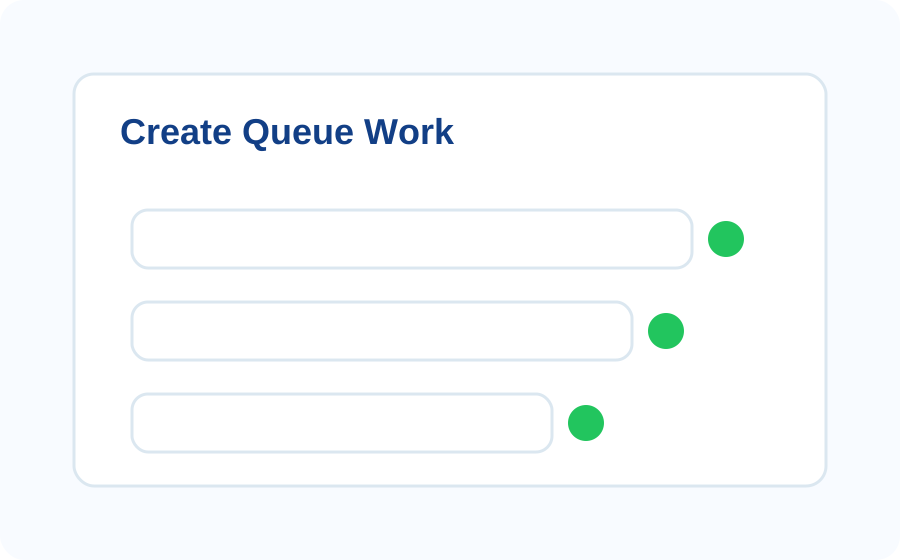
4 Create queue work Move accepted recommendations into SEO Queue tasks with assets, acceptance criteria, and owner status.
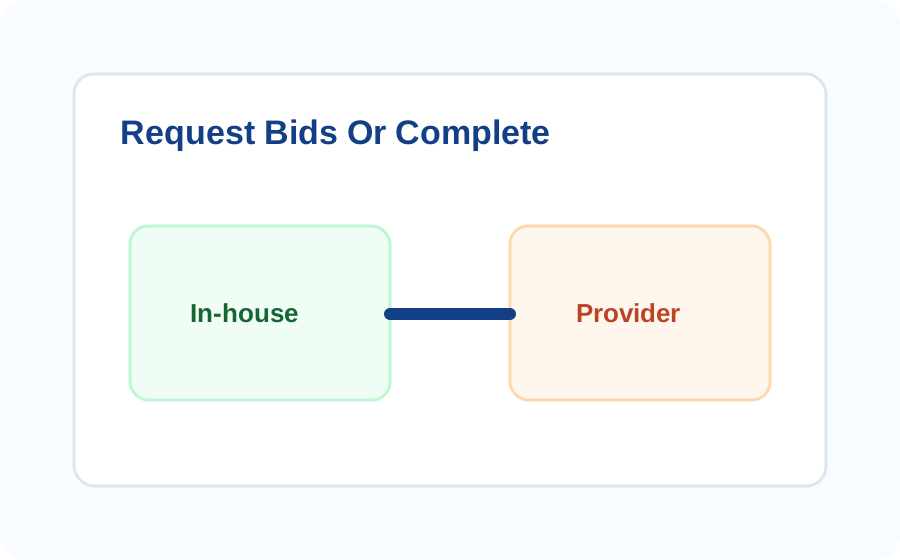
5 Request quotes or complete Finish the task yourself or request quotes from registered SEO providers.
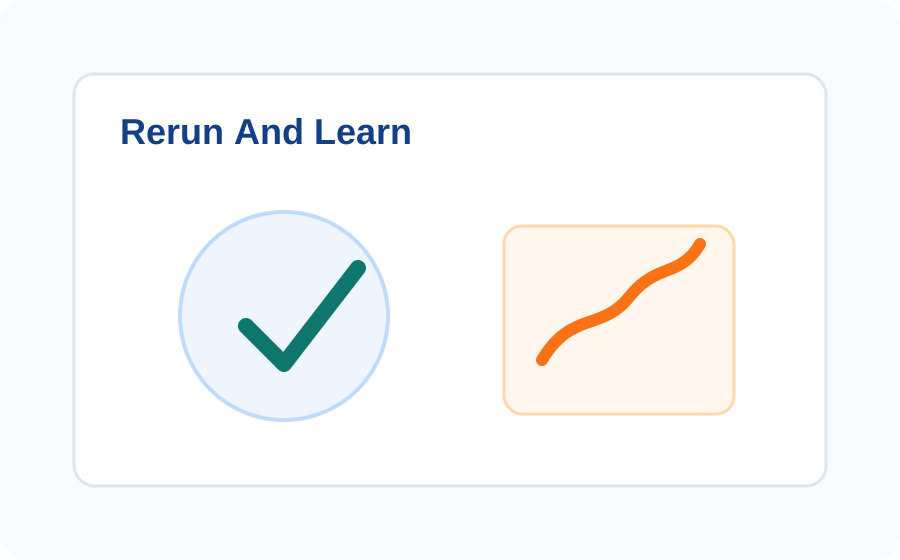
6 Rerun and learn Refresh the report on the cadence tied to active keyword credits and keep useful history.

Make The Next SEO Task Clear

Start with one keyword and one target page, then turn evidence into the next task.

Start SEO Hub